
How AI Wallet Billing Works
A buyer-friendly outline for understanding PAYG AI wallet controls, usage visibility, and advanced AI feature cost control.
AI Billing | May 23, 2026
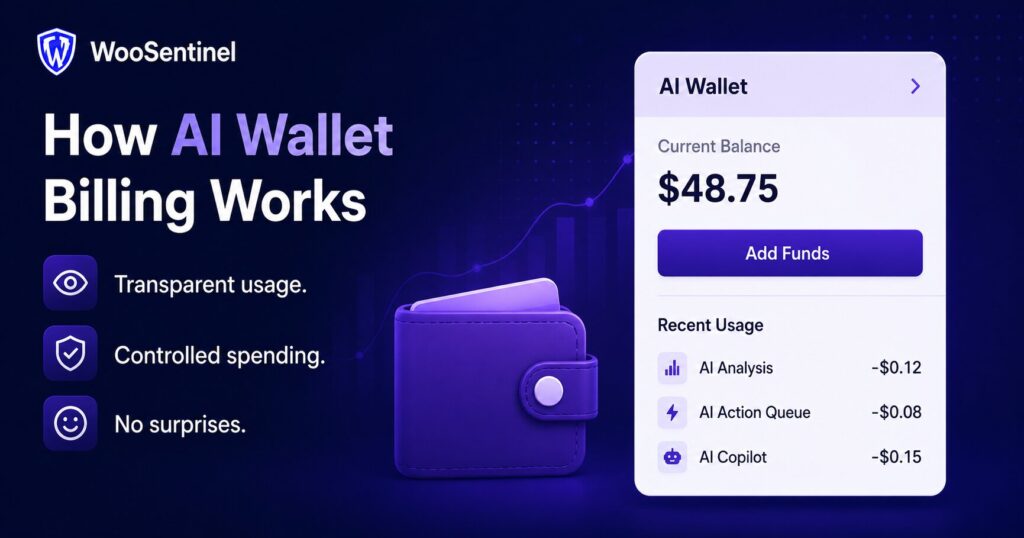
AI wallet billing gives WooCommerce teams a safer way to use advanced AI features without turning AI usage into an open-ended cost. Instead of hiding OpenAI-assisted work inside a flat plan with unlimited exposure, WooSentinel separates deterministic monitoring from wallet-controlled AI enhancement.
This matters for store owners, agencies, and multi-store operators because AI can be useful in incident explanations, Revenue Watch analysis, ROI summaries, and AI Action Queue recommendations. Those workflows should remain visible, measurable, and controlled by plan permissions, wallet balance, and store-level AI settings.
WooSentinel keeps the marketing site out of checkout, login, subscription, and wallet top-up flows. Product CTAs send users to the app pricing flow, while the WordPress site explains how WooCommerce monitoring, incident detection, AI Copilot, and human-reviewed workflows fit together.
Why AI Wallet Billing Matters for WooCommerce Teams
AI features can create real operational value, but they also create variable usage. A single store may need occasional AI Copilot chat, while an agency or multi-store business may want OpenAI-enhanced incident reasoning, AI Revenue Watch summaries, and prepared actions across several stores.
Without a wallet model, the platform and the customer can both lose control. Customers may not understand which features consume AI usage, and the platform may absorb unpredictable OpenAI costs. AI wallet billing makes the usage boundary clearer.
The goal is not to make every monitoring workflow dependent on OpenAI. WooSentinel uses deterministic monitoring as the foundation, then adds OpenAI-enhanced analysis where the plan, wallet balance, and AI controls allow.
AI Wallet Billing Signals and Controls to Monitor
Useful WooCommerce operations monitoring starts with signals that help a team decide whether an issue needs review. The exact priority depends on the store, plan, and workflow, but these signals are a practical starting point.
- wallet balance and low wallet notifications
- OpenAI-enhanced incident reasoning requests
- AI Revenue Watch explanations for revenue movement
- AI Action Queue recommendations where eligible
- AI Copilot chat usage and daily plan limits
- per-store AI enablement and disablement
- AI usage logs that help teams understand consumption
Practical example
A Business plan store detects a revenue_drop incident through Revenue Watch. Deterministic monitoring can identify the comparison and create the operational context. If wallet balance and AI settings allow, WooSentinel can add an OpenAI-enhanced explanation that summarizes likely drivers, affected products, and recommended checks.
If the wallet is low or AI controls are disabled, the store does not lose the baseline monitoring workflow. The deterministic Revenue Watch comparison, incident details, and operational signals remain available. The team can still review the incident and decide what to investigate next.
How WooSentinel helps
WooSentinel brings WooCommerce monitoring, incident detection, Revenue Watch, AI Copilot, and AI Action Queue workflows into one product-led operating layer. The purpose is to help teams understand what changed and review what to do next, not to replace human judgment.
- separates included deterministic monitoring from variable OpenAI-enhanced usage
- supports wallet-controlled AI for Business, Premium, and Enterprise workflows
- helps protect customer spending with balance visibility and low balance alerts
- keeps AI Copilot, AI Action Queue, Revenue Watch, and ROI summaries easier to govern
- allows per-store controls so agencies and teams can manage AI behavior by store
- keeps deterministic fallback available when OpenAI enhancement is unavailable or disabled
Deterministic fallback and AI controls
Deterministic monitoring is the baseline. WooSentinel can detect many store health, sync, stock, incident, and revenue signals without requiring OpenAI-enhanced analysis. Where OpenAI-assisted features are available, they depend on plan permissions, wallet balance, and AI controls.
This approach gives teams a safer balance. They can use wallet-controlled AI for deeper explanations and recommendations when it fits the workflow, while still keeping rule-based monitoring and operational context available when AI is disabled or unavailable.
Human-reviewed action model
WooSentinel uses a human-reviewed workflow for prepared actions. AI Action Queue can create summaries, product review hints, store health checks, reorder checklists, or draft supplier emails, but users review the recommendation before deciding what to approve, execute safely, or dismiss.
Risky WooCommerce writes do not happen automatically. WooSentinel does not automatically change products, orders, refunds, stock, checkout, login, or billing settings as part of these monitoring workflows.
Operational checklist for teams
Use this checklist to turn the topic into a practical review habit for store owners, agencies, or eCommerce teams.
- Decide which stores are allowed to use OpenAI-enhanced analysis.
- Review wallet balance before enabling advanced AI workflows across multiple stores.
- Monitor AI usage logs so the team understands what is consuming wallet balance.
- Use deterministic monitoring as the baseline for store health, incidents, and Revenue Watch.
- Set internal rules for when AI explanations are useful enough to justify wallet usage.
- Review AI Action Queue recommendations before approving or dismissing them.
Continue Exploring WooCommerce Monitoring
Learn more about WooCommerce monitoring, incident detection,
revenue protection, AI Action Queue, Revenue Watch, pricing,
security, and operational workflows.
WooCommerce Monitoring Platform
Learn how WooSentinel helps monitor store health, detect
operational incidents, protect revenue, and prepare
AI-assisted actions for review.
WooCommerce Monitoring Features
Explore Revenue Watch, AI Action Queue, AI Copilot,
incident detection, store health monitoring,
and revenue protection tools.
WooCommerce Monitoring Pricing
Compare plans, AI access, wallet controls,
store limits, and support options for
WooCommerce monitoring.
WooCommerce Monitoring Use Cases
See how WooSentinel helps store owners,
agencies, multi-store operators, and
enterprise WooCommerce teams.
WooCommerce Monitoring Security
Learn about store access, AI controls,
Revenue Watch boundaries, billing transparency,
and operational trust.
WooCommerce Monitoring FAQ
Find answers about Revenue Watch,
AI Action Queue, AI billing, plans,
incidents, and WooCommerce monitoring.
FAQ
What is AI wallet billing?
AI wallet billing is a prepaid usage-control model for eligible OpenAI-enhanced WooSentinel features such as incident reasoning, AI Revenue Watch explanations, ROI summaries, and some AI Action Queue recommendations.
Why use wallet-controlled AI instead of unlimited AI?
Wallet-controlled AI gives teams better visibility into usage, helps manage OpenAI costs, and allows agencies to control AI features across multiple WooCommerce stores.
Does every plan require wallet balance?
No. Deterministic monitoring remains separate. Growth and Pro focus on manual AI Copilot chat limits, while Business, Premium, and Enterprise can use wallet-controlled advanced AI features.
What happens when wallet balance is low?
Low balance notifications can help teams review usage before OpenAI-enhanced workflows are interrupted. Deterministic monitoring can continue without relying on OpenAI enhancement.
Does AI wallet billing change my WooCommerce store?
No. Wallet billing controls AI usage. It does not automatically change products, orders, refunds, stock, checkout, login, or billing settings.
Where can I compare plans?
You can compare plan limits, wallet-controlled AI, and store capacity on the pricing page.
Start monitoring WooCommerce operations with more context
WooSentinel helps teams monitor WooCommerce operations, detect revenue movement, review incidents, and use human-reviewed AI workflows with safer controls. Start Free Trial or compare plans on the pricing page.
Ready to detect WooCommerce issues before they affect revenue?
Use WooSentinel to monitor store health, detect incidents, and understand what to fix first.