
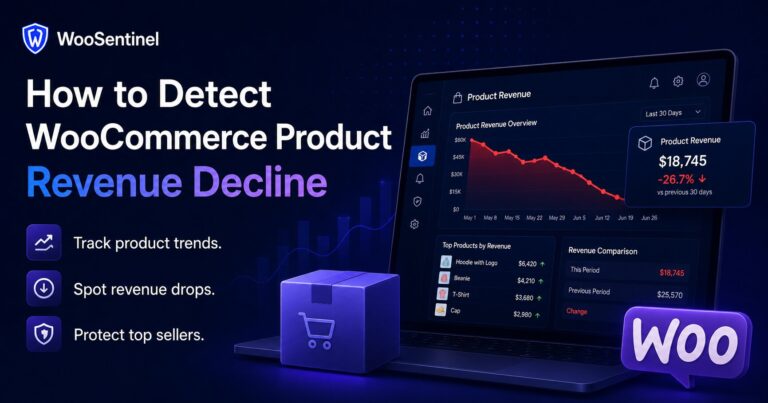
How to Detect WooCommerce Product Revenue Decline
Learn how to detect WooCommerce product revenue decline and identify product-level sales problems before they affect total revenue.
This WooCommerce monitoring blog helps store owners, agencies, and eCommerce teams improve store health, detect incidents, monitor revenue movement, and use AI-powered operational workflows more effectively.
WooCommerce monitoring | AI Action Queue | Revenue Watch | WooCommerce revenue protection
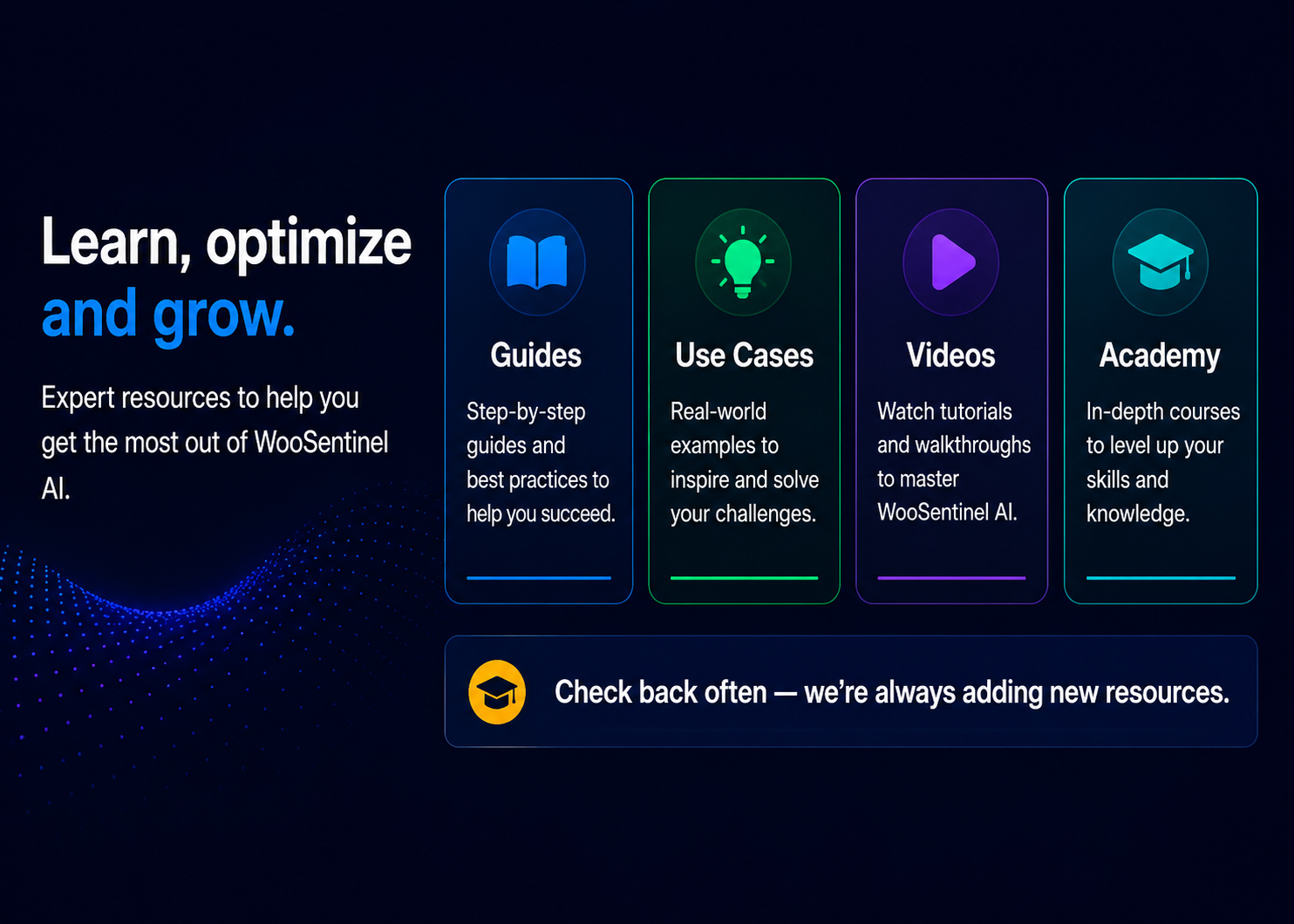
Use these categories as the foundation for future editorial content around WooCommerce store monitoring, AI operations, and revenue protection.
Store health, operational signals, incident detection, and monitoring workflows.
Availability, freshness, activity, and connection signals for store operators.
Low stock, stockout risk, sync failures, order inactivity, and revenue-impacting issues.
How AI-assisted explanations can help teams understand what happened and what to fix first.
Educational content about hidden revenue risk and operational prioritization.
Guides for agencies, multi-store businesses, and larger WooCommerce teams.
Wallet controls, AI usage visibility, and plan-based AI limits.
How stale data, failed syncs, and monitoring gaps affect WooCommerce operations.
Guides about notifications, wallet alerts, webhook issues, and system health signals that help teams respond faster.
Revenue comparisons, Revenue Pulse emails, alerts, incidents, and revenue monitoring workflows.
Human-reviewed recommended actions, approvals, incident summaries, and safe operational follow-up.
OpenAI-enhanced revenue explanations, likely drivers, affected products, and deterministic fallback.
Safe AI workflows where recommendations are reviewed before operational action is taken.
Read practical explainers about WooCommerce store monitoring, incident detection, AI usage, and operational visibility.
Learn how to detect WooCommerce product revenue decline and identify product-level sales problems before they affect total revenue.
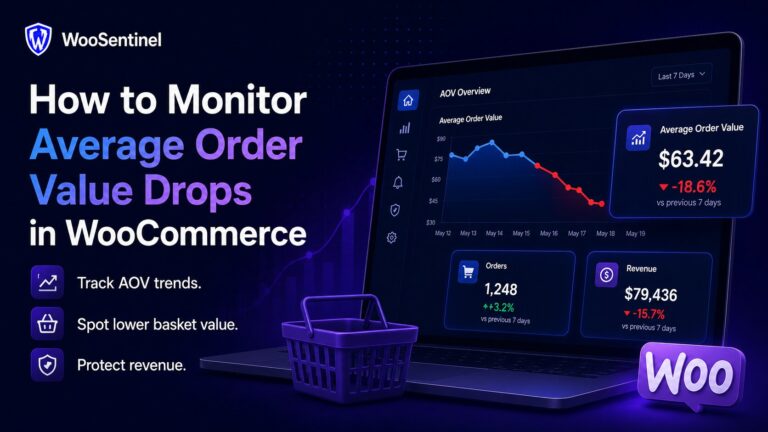
WooCommerce average order value drop monitoring helps teams detect AOV changes and investigate product mix, discounts, pricing, campaigns, and revenue risk.
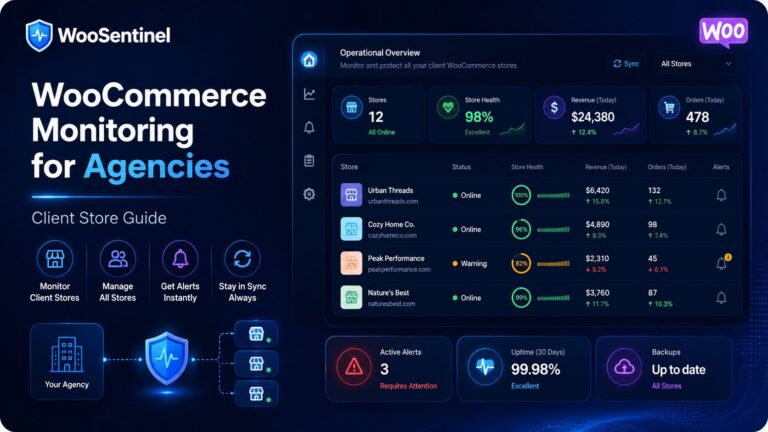
WooCommerce monitoring for agencies helps teams track client store health, revenue movement, stock risks, incidents, and operational alerts from one workflow.
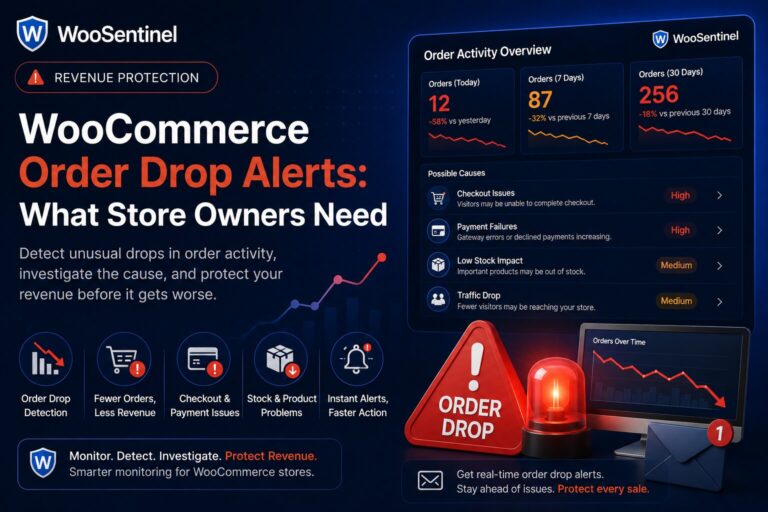
WooCommerce order drop alerts help teams detect unusual declines in order activity and investigate checkout, traffic, stock, and revenue risk.
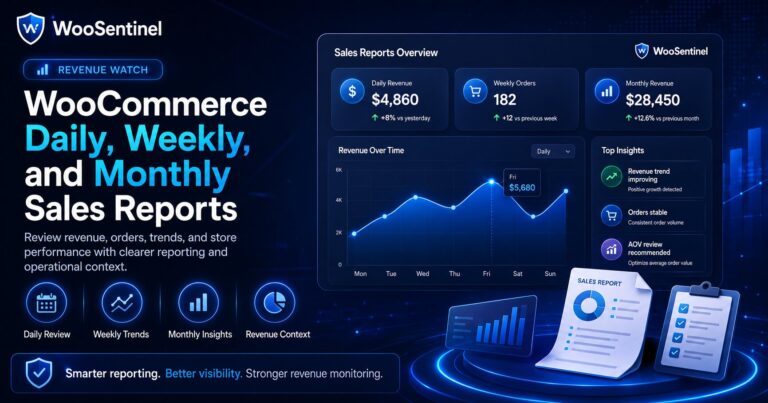
WooCommerce sales report emails help teams review daily, weekly, and monthly revenue, orders, product movement, and operational risk.
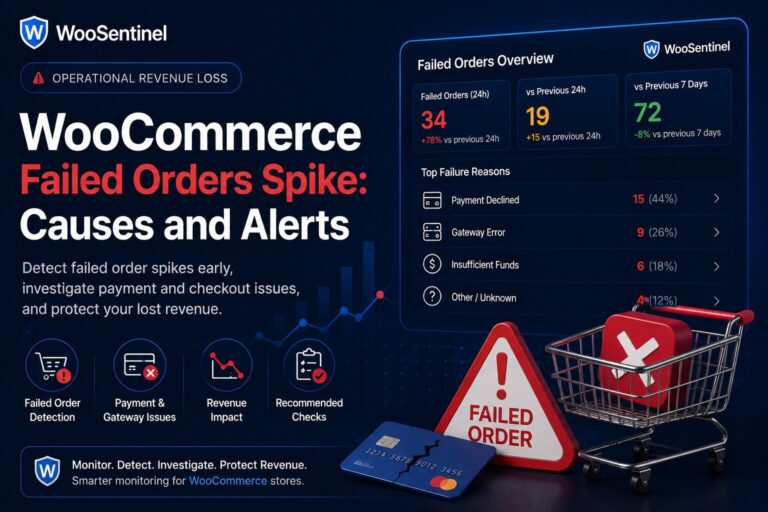
WooCommerce failed orders can signal payment issues, checkout friction, customer drop-off, or operational risk that may affect revenue.
Guides for this topic are being prepared or may be available to editors as drafts. Check back for Revenue Watch, AI Action Queue, incident detection, AI Copilot, and WooCommerce revenue protection resources.
Learn what WooSentinel monitors, who it is for, how AI usage works, and how pricing scales as your store count grows.
Move from educational resources to product features, pricing, use cases, security, FAQ, and support.
See the full WooSentinel platform for monitoring WooCommerce operations.
View OverviewExplore Revenue Watch, AI Action Queue, AI Copilot, and incident detection.
Explore FeaturesCompare plans for single stores, agencies, and multi-store operations.
View PricingSee how different WooCommerce teams use WooSentinel.
View Use CasesReview store access, AI controls, Revenue Watch boundaries, and trust.
Security and TrustAsk questions about product fit, pricing, billing, or support.
Contact UsUse WooSentinel to detect incidents, protect operational visibility, and understand what to fix first.